结构是这样:
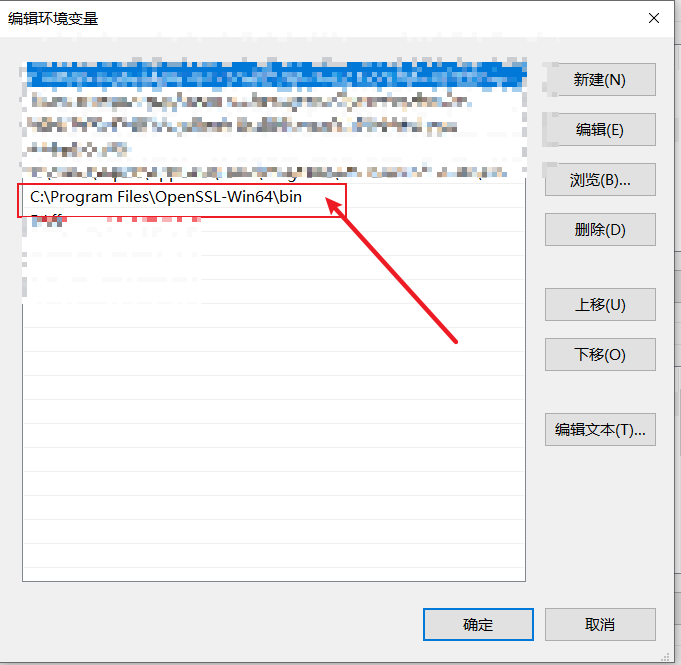
环境变量添加:
C:\Program Files\OpenSSL-Win64\bin
配置文件:
# example.com.conf[ req ]default_bits = 4096default_keyfile = privkey.pemdistinguished_name = req_distinguished_name# 生成v3版本带扩展属性的证书req_extensions = v3_req# 设置默认域名[ req_distinguished_name ]# Minimum of 4 bytes are needed for common namecommonName = 192.168.1.1commonName_default = 192.168.1.11commonName_max = 64# 设置两位国家代码# ISO2 country code onlycountryName = ChinacountryName_default = CN# 设置州 或者 省的名字# State is optional, no minimum limitstateOrProvinceName = ProvincestateOrProvinceName_default = washington# 设置城市的名字# City is requiredlocalityName = CitylocalityName_default = washington# 设置公司或组织机构名称# Organization is optionalorganizationName = OrganizationorganizationName_default = My Company# 设置部门名称# Organization Unit is optionalorganizationalUnitName = DepartmentorganizationalUnitName_default = My Department# 设置联系邮箱# Email is optionalemailAddress = EmailemailAddress_default = admin@www.gov# 拓展信息配置[ v3_req ]basicConstraints = CA:FALSEkeyUsage = nonRepudiation, digitalSignature, keyEnciphermentsubjectAltName = @alt_names# 要配置的域名[alt_names]IP = 192.168.1.1相信使用者应该有一定基础可以修改
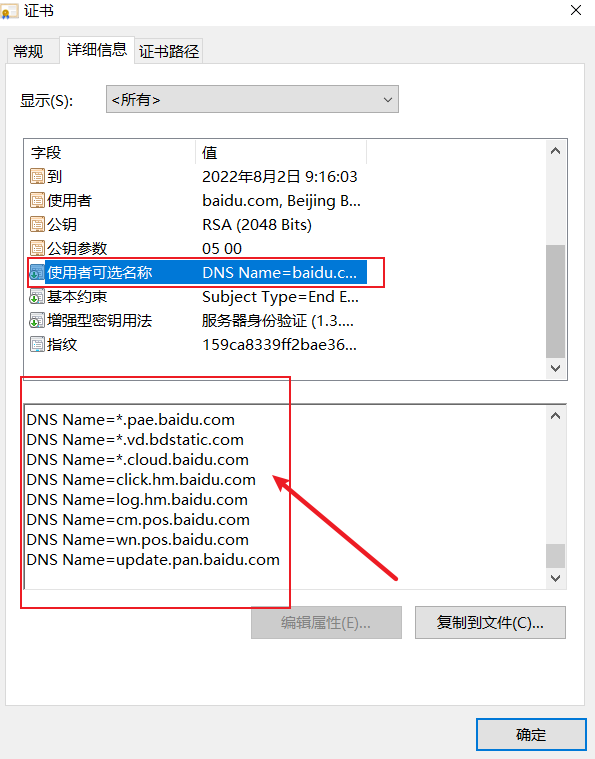
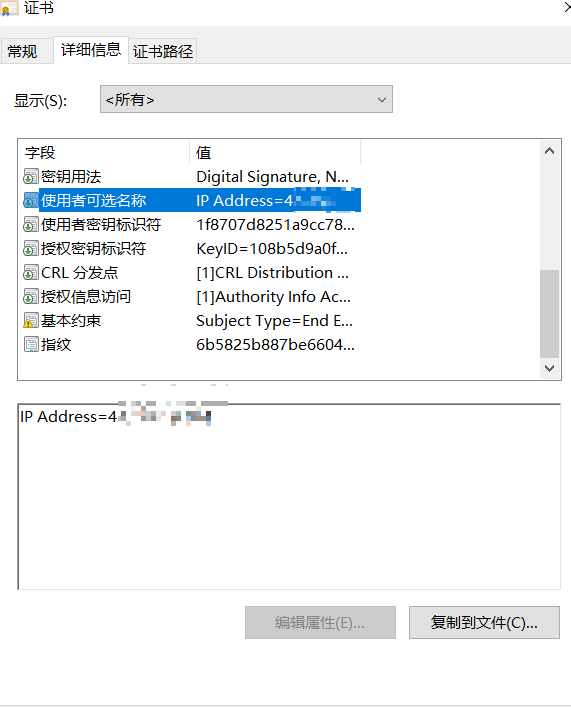
我折腾过程的痛点就是SAN
使用者可选名称的设置
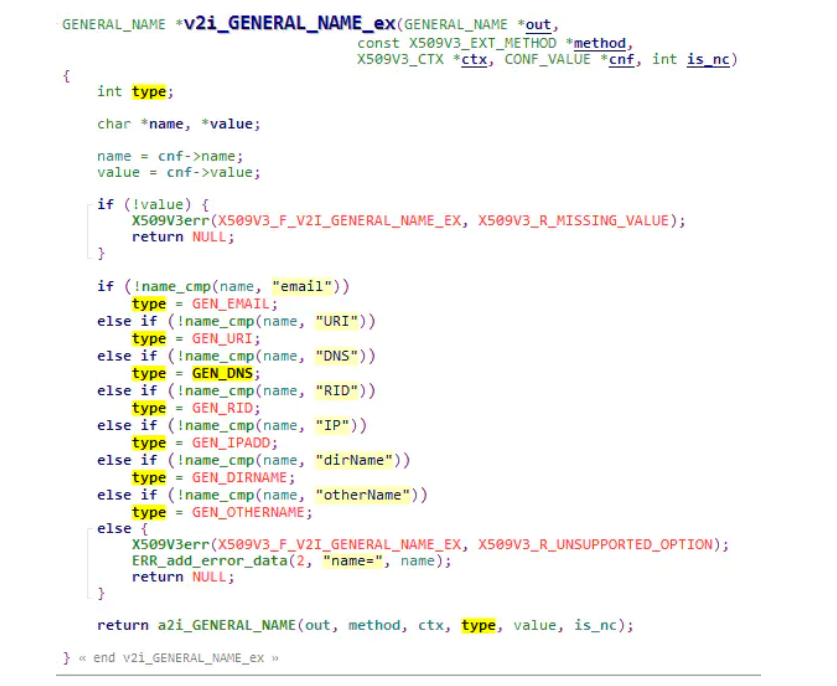
根据多方查找资料,openssl源码对其的定义
# 要配置的域名
总结
[alt_names]IP.1 = 192.168.1.1DNS.1 = example.org
如法炮制
CMD批处理:
cd 你的文件夹路径
openssl genrsa -out example.com.key 4096
openssl req -new -nodes -out example.com.csr -key example.com.key -config example.com.conf
cmd/k
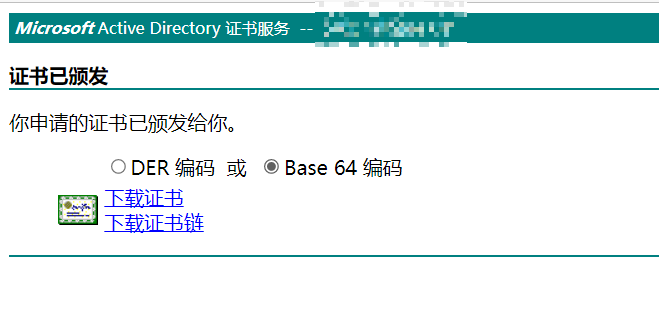
完毕,成功签发
引用资料:x509的扩展字段
发表回复